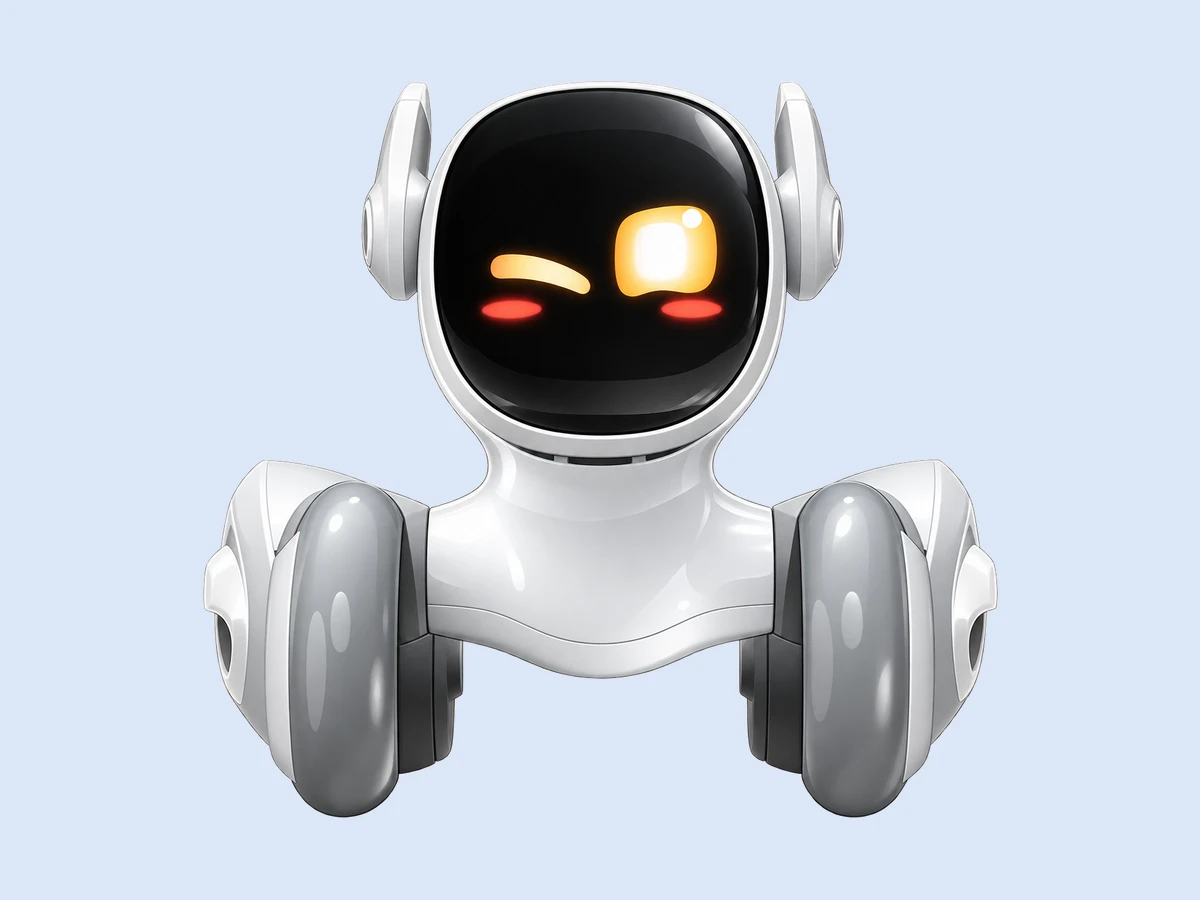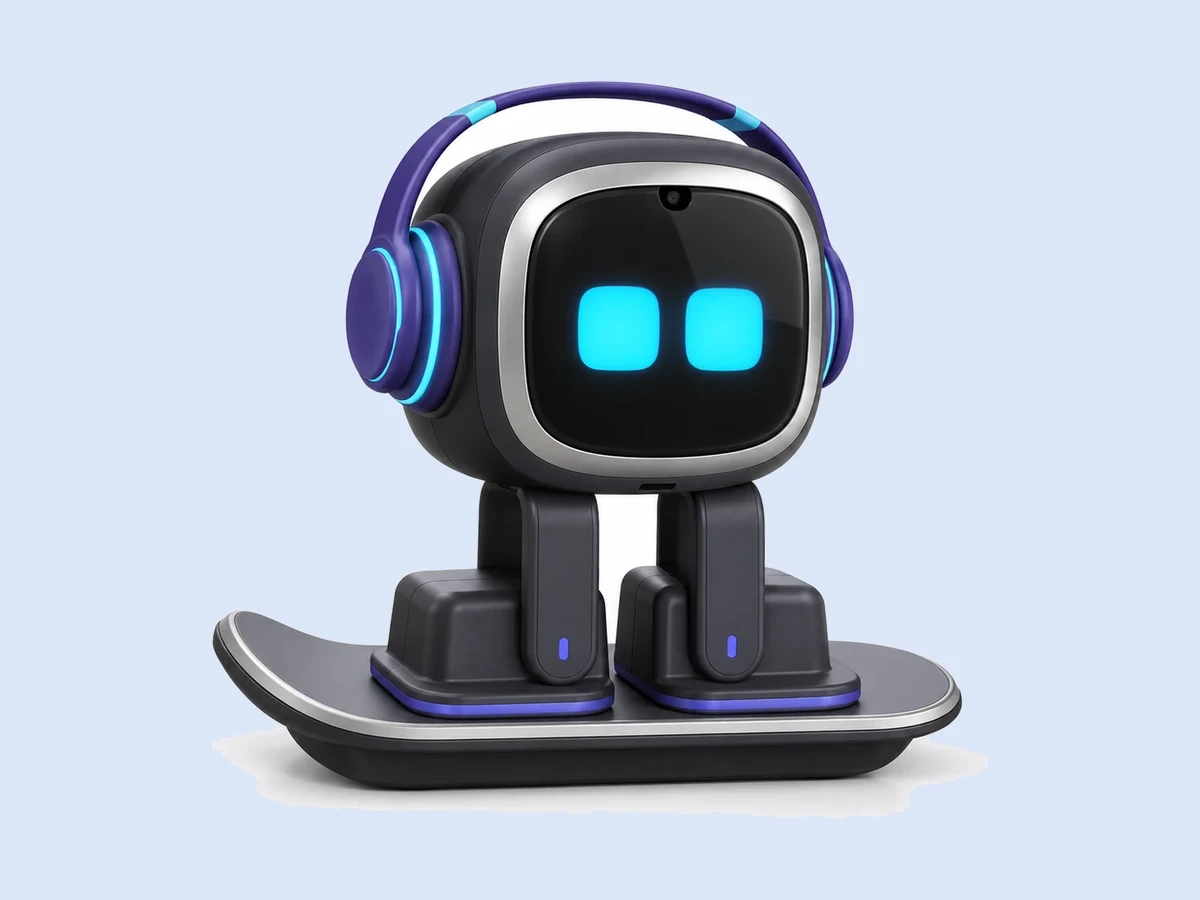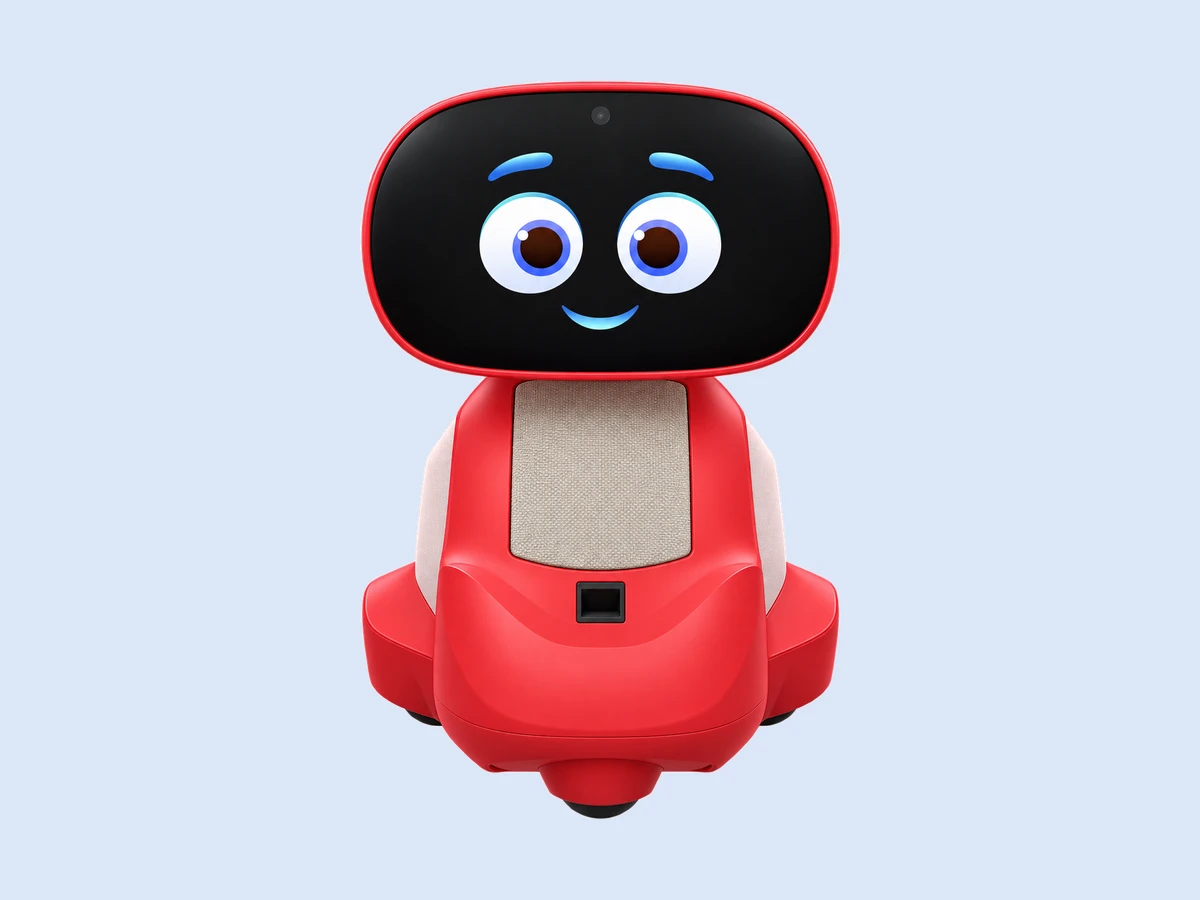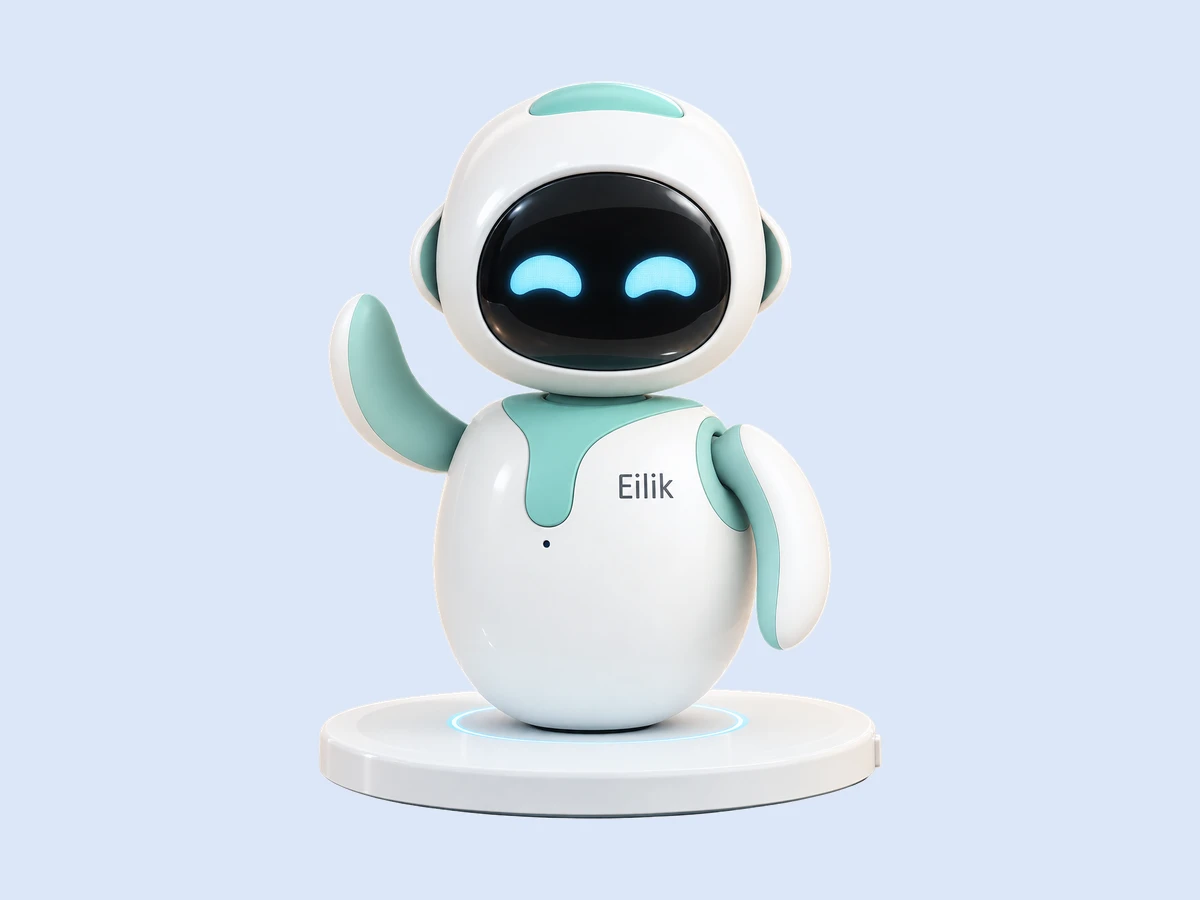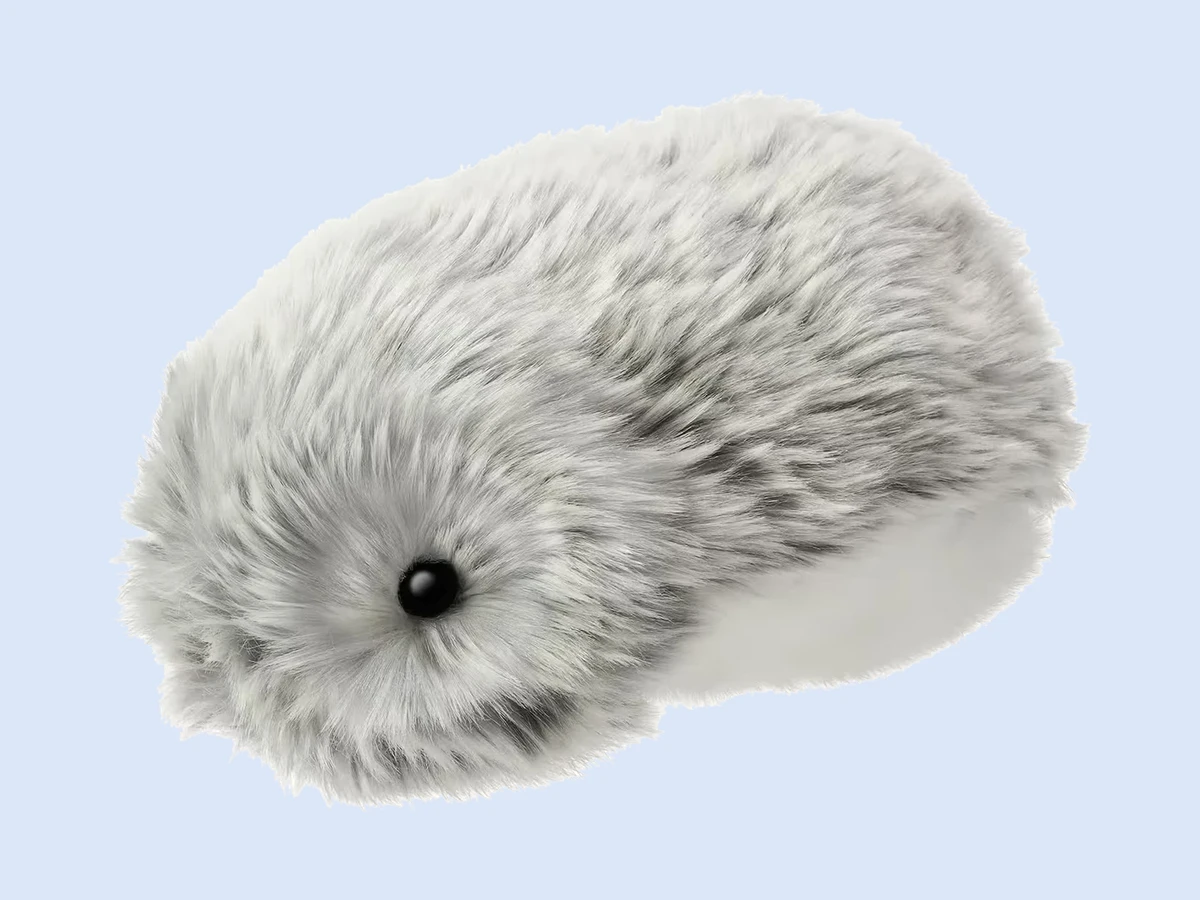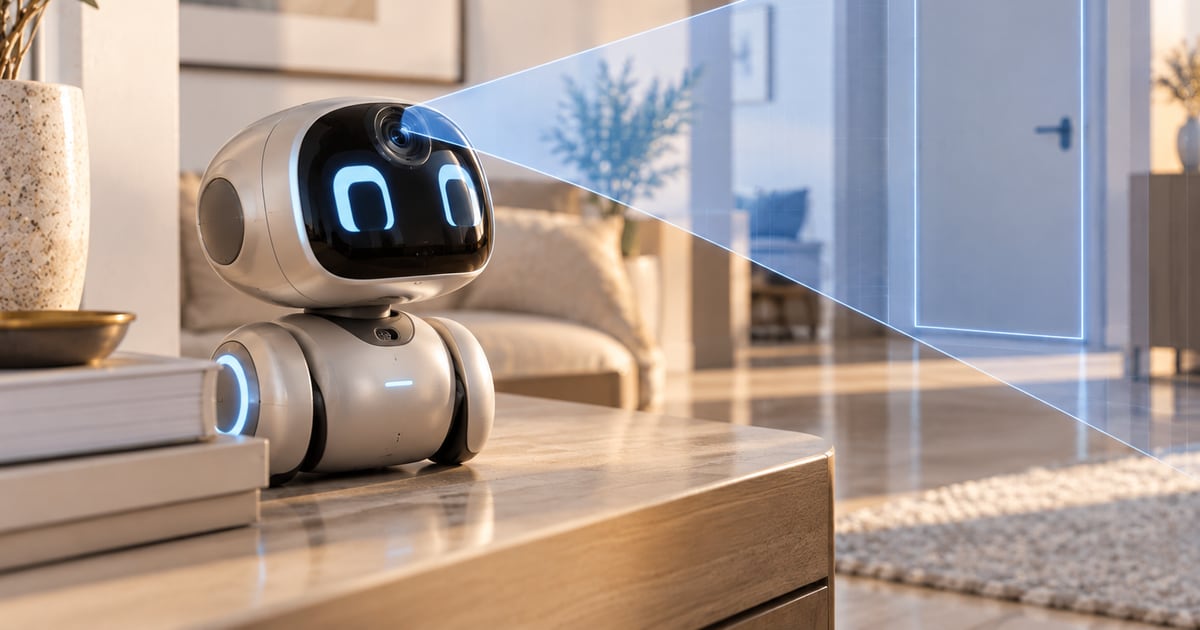
Physically, a robot pet is about as risky as a small kitchen appliance: a fall from a desk, a pinched finger, a lithium battery charged badly. Privacy is the real question. Loona (about $449 to $499), EMO ($279 to $369) and Miko 3 (about $199) carry cameras and microphones and send speech, and in some cases images, to the maker's or a partner's servers to work; Eilik (about $149) and Moflin ($429) have no camera, no network and nothing to send. The rule for a connected pet is the smart-speaker rule: read what is captured, where it goes and how to delete it, and put the robot where you would put a camera. Policies checked on the makers’ own stores.
Free: the Mini Robot Guide, every robot pet marked by camera, microphone and what leaves the device → Download the report
Which robot pets have cameras and microphones?
| Robot | Maker | Camera | Microphone | Sent to servers | Policy notes |
|---|---|---|---|---|---|
| Loona | KEYi Tech | yes, face recognition, gestures | yes | voice for ChatGPT conversation; sent to the maker's servers | KEYi privacy policy |
| EMO | LivingAI | yes, face recognition | yes | voice commands; sent to the maker's servers | Living.AI privacy policy |
| Miko 3 | Miko | yes | yes | conversation and lessons; parent dashboard | Miko states COPPA compliance for US children's data |
| Eilik | Energize Lab | no | sound sensor only, not connected | nothing | no account, no network |
| Moflin | Casio | no | sound sensor only | nothing; Bluetooth app optional | no cloud |
Where the table says "sent to servers", it means the robot cannot do the feature without it: speech recognition and conversation run on the maker's or a model provider's servers, not on the robot. Face recognition on Loona and EMO is generally processed on the device, but check the policy line for your model; that is what the passport placeholder resolves to.
What should you read in a robot pet's privacy policy?
Four lines, and they are usually short. What is captured: audio only, or images too. Where it goes: the maker, a cloud provider, a language-model provider such as OpenAI for Loona's conversation. How long it is kept, and whether you can delete it from the app. And whether children's data is treated separately: in the United States that is COPPA, which Miko states it complies with as a children's product; in the EU it is GDPR, which applies to all of them. A maker with a clear one-page answer to those four is a maker that has thought about it. We compared the policies of the five robots in the table: the two offline robots have nothing to disclose; Miko's is the most explicit about children; Loona's and EMO's cover the essentials and are worth reading before the box is open rather than after.
How do you place a connected robot pet at home?
Where you would put a camera. Not facing a bed or a bathroom door, not in a child's room if the child cannot read the app, and on its own Wi-Fi network if your router offers a guest network, so a robot with a security flaw cannot see the laptop. Mute it when you can: EMO and Loona have settings to disable listening; use them at night. And treat the app account like any other account: a unique password, and two-factor login if the maker offers it. None of this is paranoia; it is the same list you would apply to a video doorbell.
What are the physical safety points?
Falls. Desk robots walk to the edge and stop, but they are dropped by hands more often than they fall on their own; EMO's build is described by reviewers as fragile. A desk with a rim, or a tray, solves most of it.
Pinch points. Loona's ears and waist move with real motors; small fingers near moving joints is a rule for every robot, however small.
Batteries. Built-in lithium cells: charge on the maker's dock, on a hard surface, not under a pillow, and stop using a robot whose battery swells.
Heat. Not in a parked car, not on a radiator; consumer electronics rules apply.
Small parts. The soft pets have none; kits such as Petoi Bittle have many, which is why they are for teenagers and covered separately.
Robot pets are not certified toys and makers rate them by age for that reason; the age question is in Which robot pets suit kids, and from what age?.
Which robot pet is the private choice?
The offline ones, by construction. Eilik and Moflin capture nothing that leaves the robot, need no account and cannot be reached from outside; a soft pet for an older relative is the same. If you want speech and face recognition, you are choosing a connected device, and the choice is between makers' policies rather than between privacy and none; what each one needs to run is in Do robot pets need Wi-Fi, an app or a subscription?. The other side of the same coin, what happens to that data and the robot if the maker closes, is in What happens to a robot pet if the company shuts down?.
Policies checked on the makers’ own stores.
FAQ
Does Loona have a camera?
Yes, with face and gesture recognition, plus a microphone. Voice conversation is processed on servers; check KEYi's policy for what else leaves the robot.
Does EMO record you?
EMO has a camera and a microphone and sends voice commands to servers to understand them. Listening can be disabled in the app.
Which robot pets have no camera?
Eilik, Moflin, Mirumi and the soft pets. They have no network connection either.
Are robot pets safe for children's data?
Miko states COPPA compliance for children in the US. For other connected robots, read the policy; for young children the offline robots are the simple answer.
Can a robot pet be hacked?
Any connected device can. Put it on a guest network, use a unique password and keep its app updated; offline robots cannot be reached from outside.
Sources
- KEYi Tech, Loona privacy policy and product pages, 2026 (camera, face recognition, ChatGPT conversation).
- Living.AI, EMO privacy policy and product pages, 2026 (camera, microphone, listening settings).
- Miko, privacy policy and COPPA statement, 2026; parent dashboard documentation.
- Energize Lab, Eilik page; Casio, Moflin page, 2026 (no camera, no cloud).
- Robot Review Desk, EMO and Loona reviews, 22 June 2026 (build notes, moving parts).
- US Federal Trade Commission, COPPA overview (general reference); EU GDPR (general reference).
Camera, microphone, what leaves the device: marked for every robot. The Mini Robot Guide lists each robot pet with what it captures and what it needs, so the policy is not a surprise. Free, one email. → Download the report