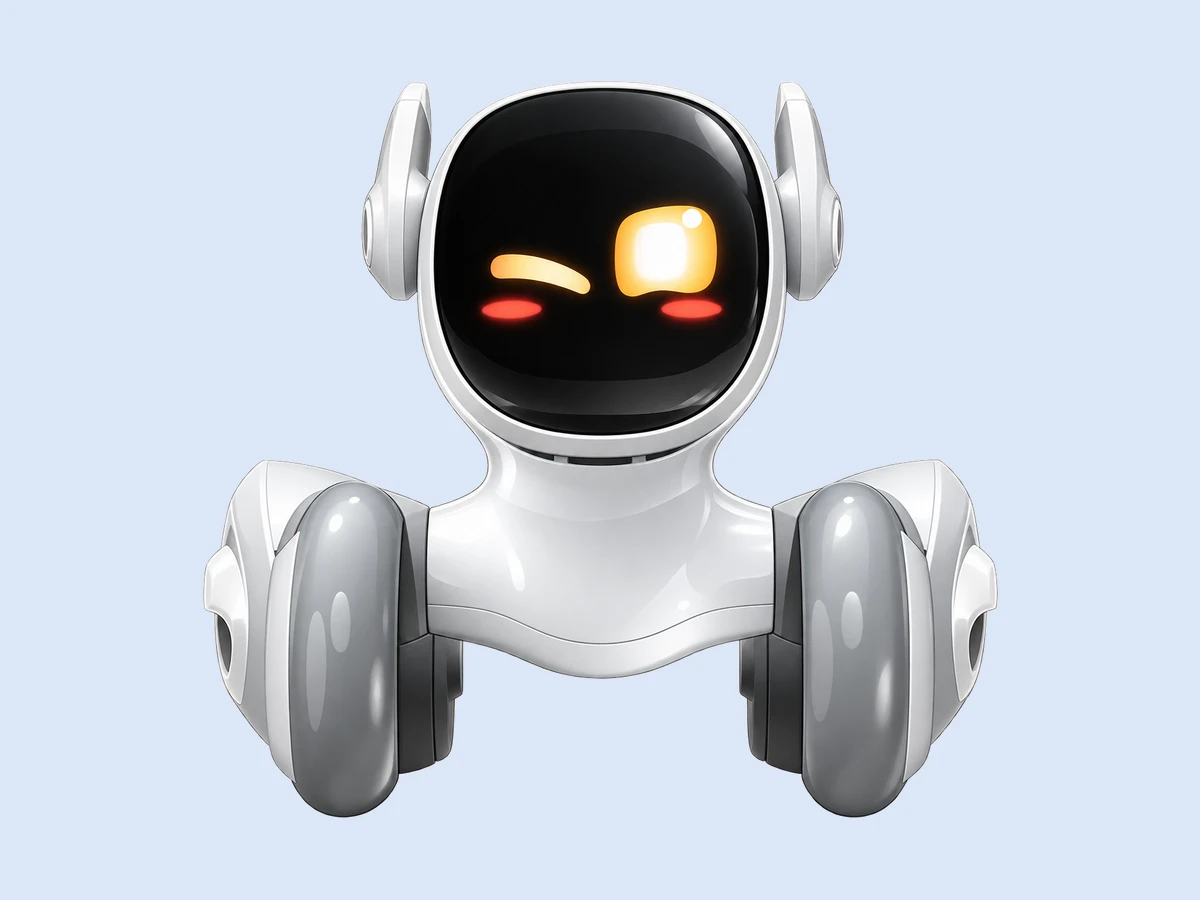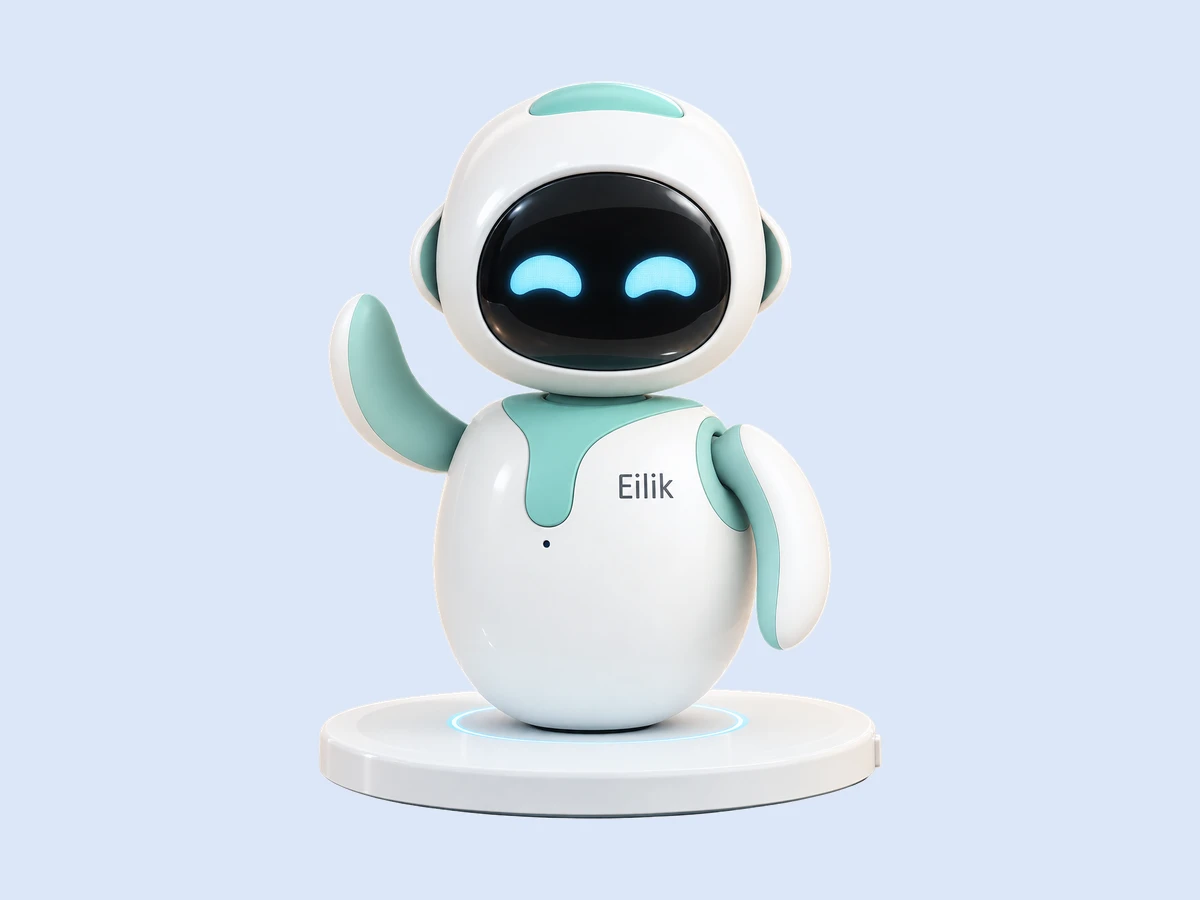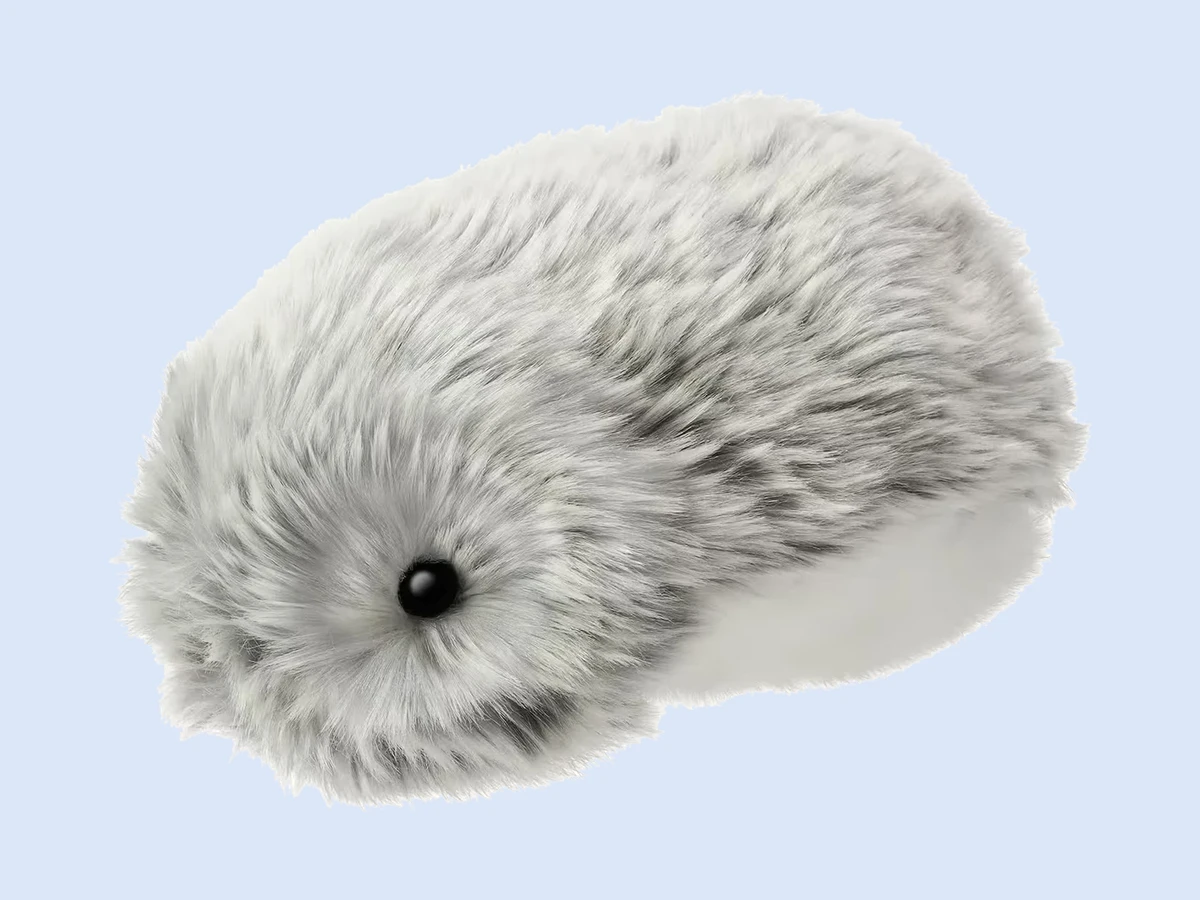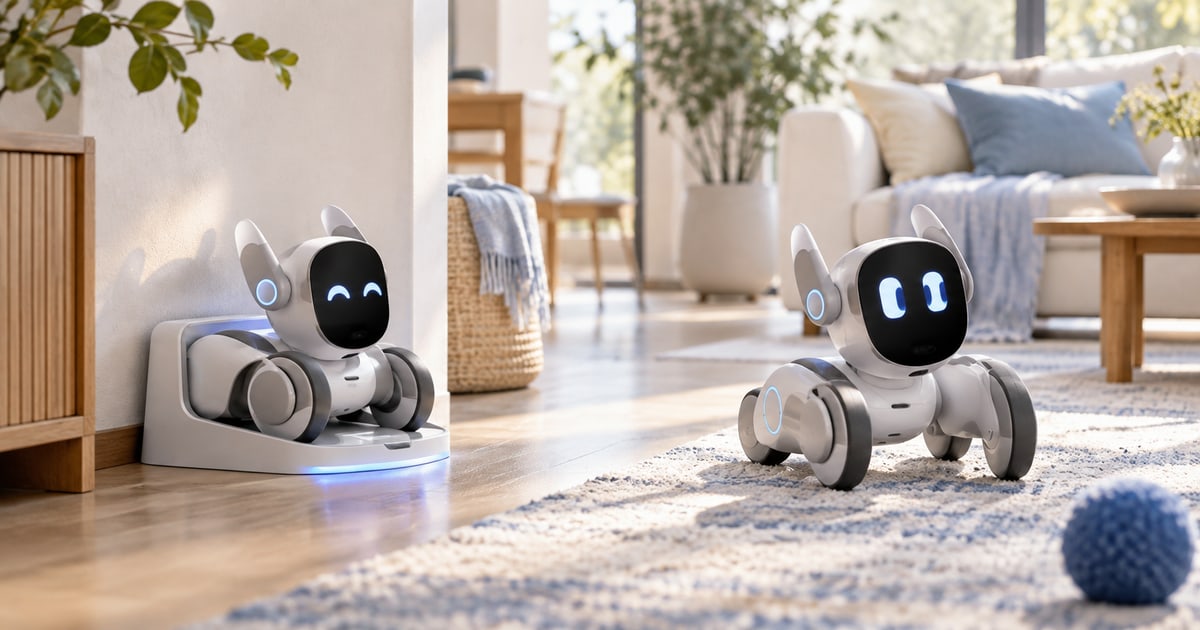
About two hours of active play per charge for the robots that move and talk, and days for the soft ones that only react. Loona (about $449 to $499) and EMO ($279 to $369) both run roughly two hours and then rest; Loona drives itself back to its charger at about 20 percent, EMO has to be placed on its dock. Eilik (about $149) and Moflin ($429) run far longer, with no wheels to drive and no screen that never sleeps. Over the years the built-in battery wears out first, rated for a few hundred full cycles, then the moving parts, Loona's ears and EMO's legs, and last the screen. Figures checked on the makers’ own stores.
Free: the Mini Robot Guide, every robot pet with its runtime, charging and what wears → Download the report
How long does each robot pet run per charge?
| Robot | Maker | Active runtime | Charging | Finds its own charger |
|---|---|---|---|---|
| Loona | KEYi Tech | about 2 hours | dock; about 3 h to fill | yes, at about 20 percent |
| EMO | LivingAI | about 2 hours | dock or "Go Home" skateboard charger | no; place it on the dock |
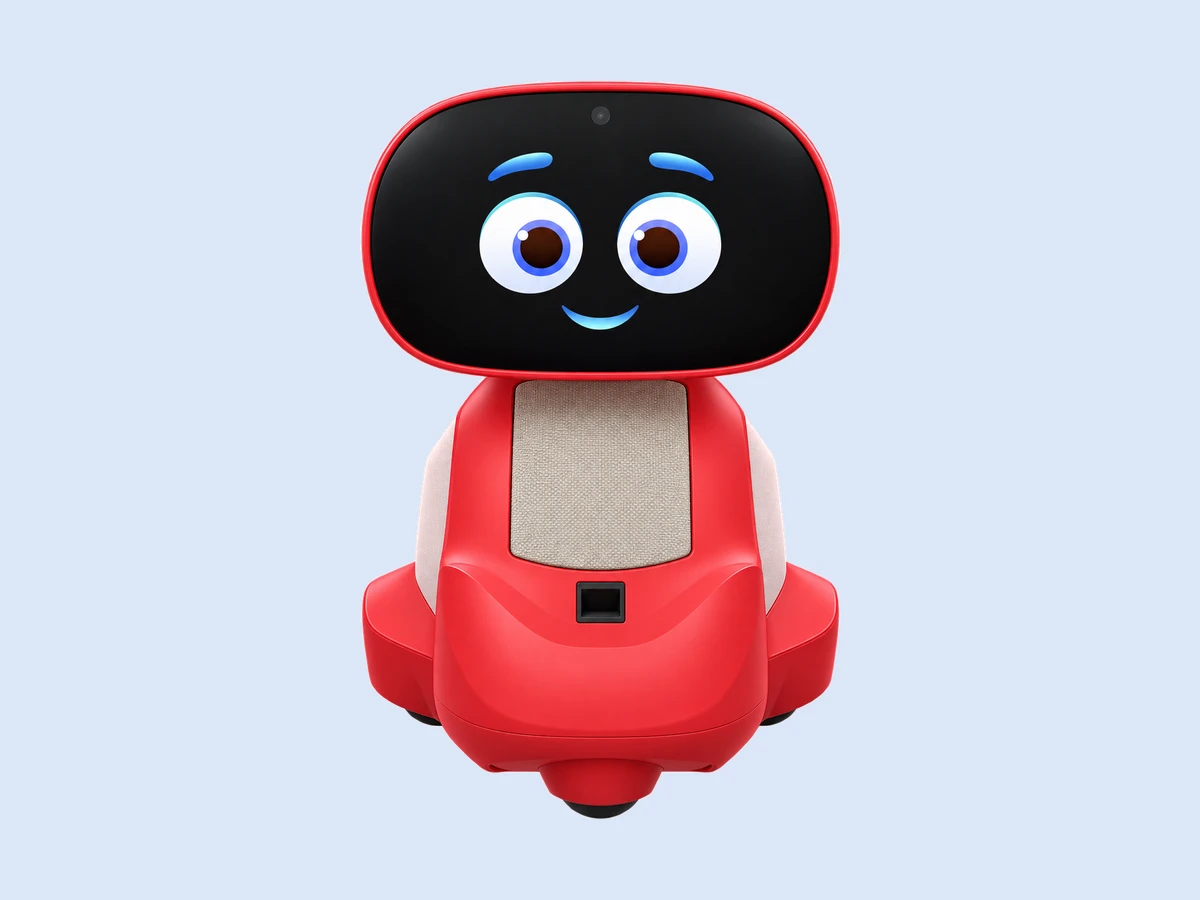
| Miko 3 | Miko | about 6.5 h | USB-C | no |
| Eilik | Energize Lab | about 1.5 h | USB-C | no |
| Moflin | Casio | about 5 h | charging bed | no; you put it to bed |
Two hours sounds short until you notice how robot pets are used: in bursts, between which they sit on a dock and are still "on" in a low-power idle. A robot that is awake for two hours of play across a day and asleep on its dock the rest of the time is a robot that is always available. The trouble comes when the dock is in the wrong place, which is why Loona's self-docking is the feature owners mention most.
What wears out first, and when?
The battery, in year two or three. Every robot pet has a built-in lithium cell rated, like a phone's, for a few hundred full charge cycles before capacity drops noticeably. A robot charged daily loses a meaningful share of its runtime within two to three years, and on most models the battery is not user-replaceable; replacement means the maker's service or a repair shop. That is the single largest cost of ownership after the box, and it arrives late, which is why first-year costs in How much does a robot pet really cost, with the subscriptions? are so low.
Moving parts, when dropped. Loona's ears and EMO's legs are the parts reviewers report failing, almost always after a fall rather than from use. Kits and mobile pets with wheels also collect hair and dust in the drive.
The screen, rarely. A screen face runs for years; scratches from a fall are the usual damage.
The app, when the maker stops. Not wear, but the same effect: a connected robot whose app is no longer updated slowly loses features to phone-OS changes. That risk is the subject of What happens to a robot pet if the company shuts down?.
How do you make a robot pet last?
- Charge on the dock, on a hard surface, in a cool place. Heat ages lithium cells faster than cycles do; a robot on a sunny windowsill or near a radiator loses battery life early.
- Do not leave it at 100 percent for weeks. For long storage, charge to about half and switch off, as with any lithium device.
- Keep it off the edge. A tray or a desk with a rim prevents the fall that breaks ears and legs.
- Clean the moving parts. A soft brush on Loona's wheels and Eilik's joints every month.
- Update the app. Firmware updates fix charging behaviour as often as they add tricks.
We compared owner reports for the five robots in the table on the question "what broke": falls first, batteries second, and nothing else with any frequency. A robot pet that is not dropped and not cooked lasts as long as the maker supports it.
Does battery life change which robot to buy?
Only at the edges. If the robot will be picked up and put down through the day, the offline robots' long runtimes and simple USB charging suit that. If it will roam a living room, self-docking matters more than the hours. If it will live in a child's hands, the fall matters more than the battery, and the soft pets and cheaper desk robots survive that best; the age question is in Which robot pets suit kids, and from what age?. To compare runtimes side by side, use our compare tool.
Figures checked on the makers’ own stores.
FAQ
How long does Loona's battery last?
About two hours of active play; it returns to its charger on its own at about 20 percent.
How long does EMO's battery last?
About two hours; it has to be placed on its dock or the "Go Home" charger.
Can you replace a robot pet's battery?
On most models, not yourself; the cell is built in and replacement is a maker or repair-shop job. Plan for it in year two or three.
Which robot pet has the longest battery life?
The ones without motors and screens: Moflin and the soft pets run for days between charges, and Eilik runs far longer than the talking robots.
What breaks most often on a robot pet?
Falls, then batteries. Loona's ears and EMO's legs are the parts reviewers report failing, almost always after a drop.
Sources
- KEYi Tech, Loona product and support pages, 2026 (about 2 h, auto-return at 20 percent).
- Living.AI, EMO product page, 2026 (about 2 h, dock, Go Home charger); Robot Review Desk, EMO review, 22 June 2026 (battery and build findings).
- Robot Review Desk, Loona review, 22 June 2026 (ears as a weak point; owner reports).
- Casio, Moflin page; Energize Lab, Eilik page; Miko, Miko 3 page, 2026 (charging methods).
- Battery University and cell manufacturer datasheets (lithium-ion cycle life and heat ageing, general reference).
Runtime, charging and what wears, for every robot. The Mini Robot Guide lists each robot pet with its battery figures and what to expect in year three. Free, one email. → Download the report